Peter, I think the only way to get the ORBX scenery to work is to either install directly into Prepar3d (if it has a P3D wrapper) or install into FSX and use ORBX's migrator tool which will then link all the files straight into Prepar3d for you.
In the case of Pacific Fjords it does not have a P3D wrapper as it is a slightly older program so it has to go into FSX.
This is how I've done mine and it works perfectly, including the 'peopleflow'. I installed all my ORBX scenery into FSX using the installers. Then I installed any patches from the support page.The last thing you install is the library which contains all the objects such as people and birds and generic things and whatever. The library updates are available here, so make sure you have the latest version: (at the bottom of the page)
http://www.fullterrain.com/support.html The migration tool should contain the latest library but there is a new update so it won't do any harm to install it now anyway.
Then, when everything is installed in FSX, download the migrator tool from here:
http://www.orbxsystems.com/forum/topic/ ... ntry405023
Just run it and it does everything for you. At the end it opens the control panel and you MUST select North America. You can also choose textures for your airports and your lights from the drop down menu on the control panel. Then when you go to P3D all your scenery will be in the right place and in the scenery.cfg for you.
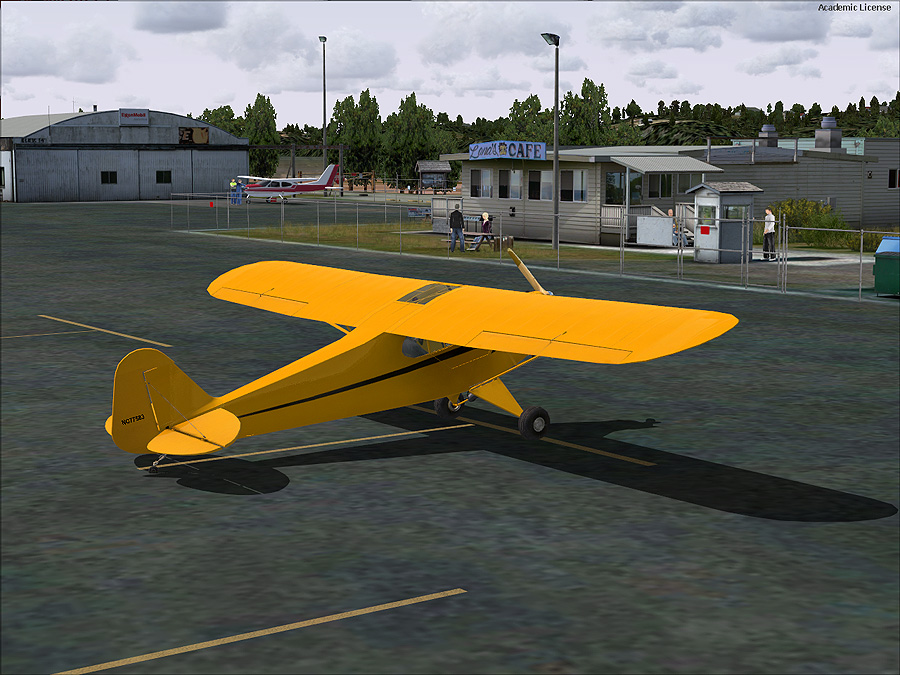
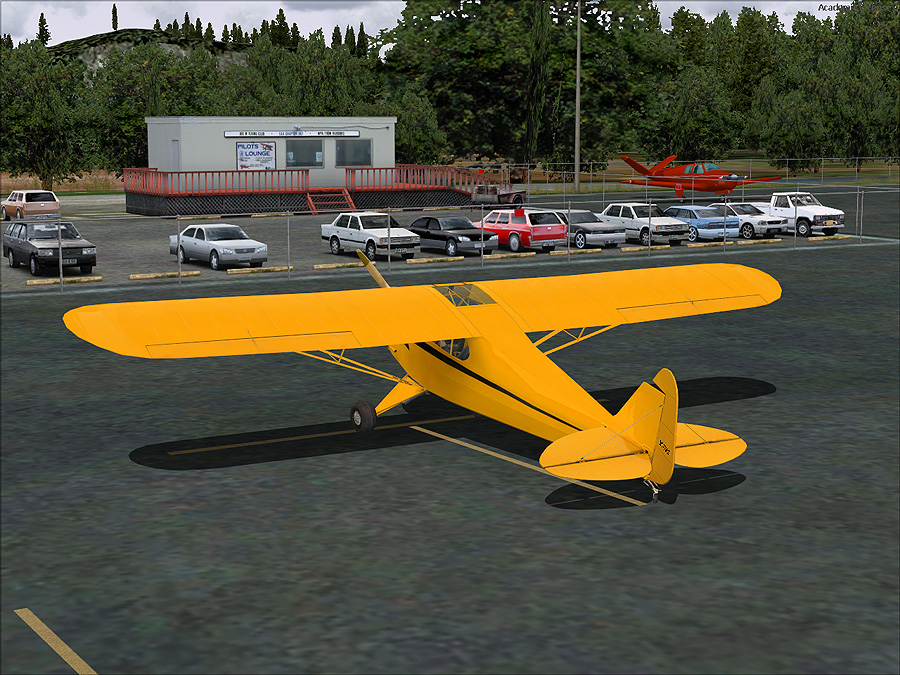
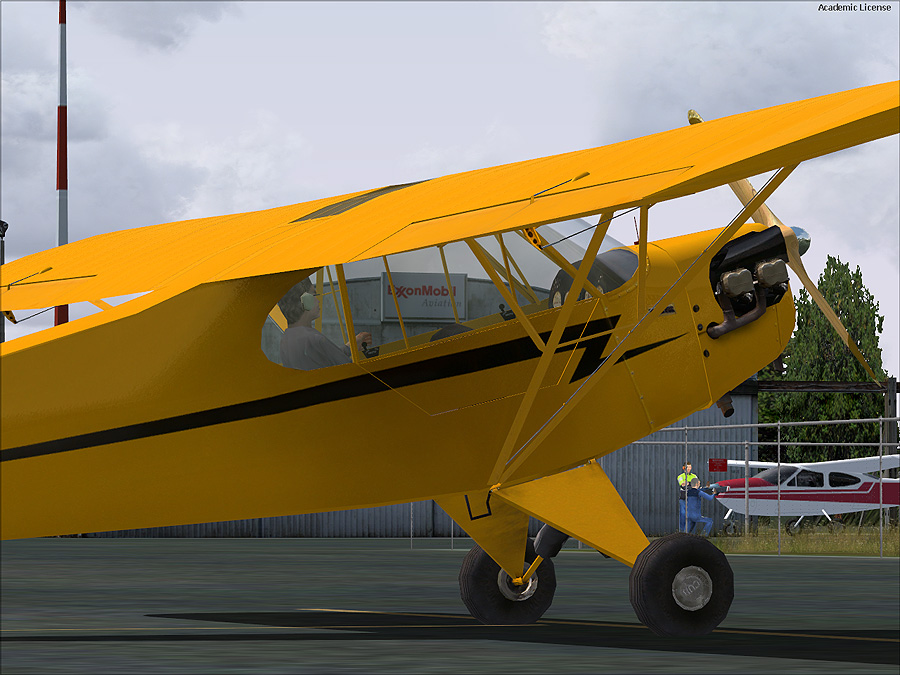
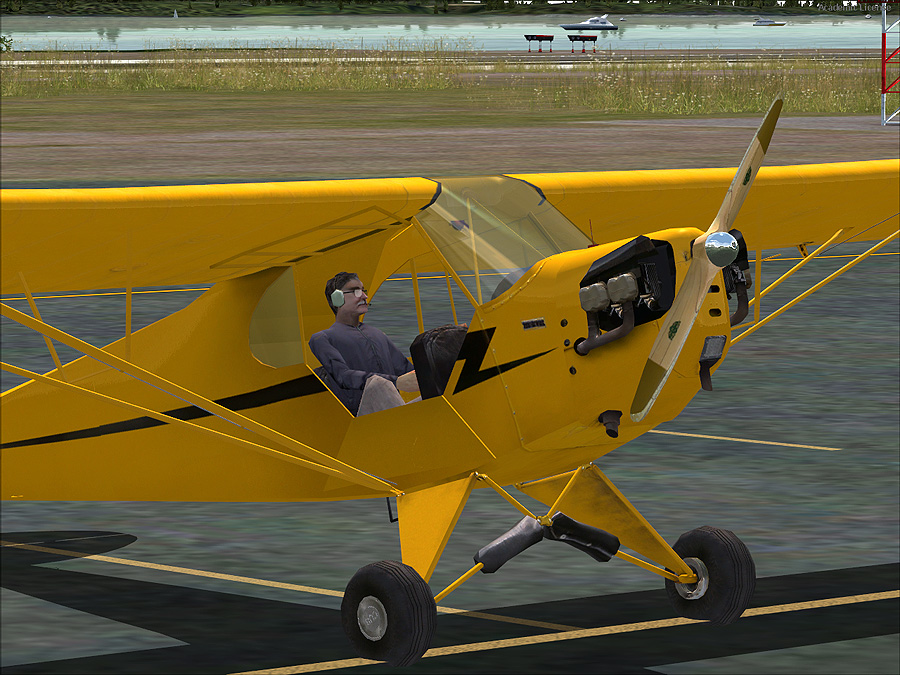
The moving people are part of the add-on individual airports and not the general scenery. Have you grabbed the free airport of Bowerman for Pacific North West? That has moving people.
One warning - there is one small bug with the migration tool. When you run P3D, if you have one or two add-on ORBX airports you get a pop up box warning that there is an error on a couple of library files. ORBX are working on a fix and meanwhile just ask you to tick 'run once' and everything works OK. You may not get it. I do but it's not a problem.
Ian